Event Guest Management, From Invite to Check-In
Send invitations, collect RSVPs and registrations, remind guests before the day and check them in at the door. Every guest, every list and every detail in one app.
No credit card required
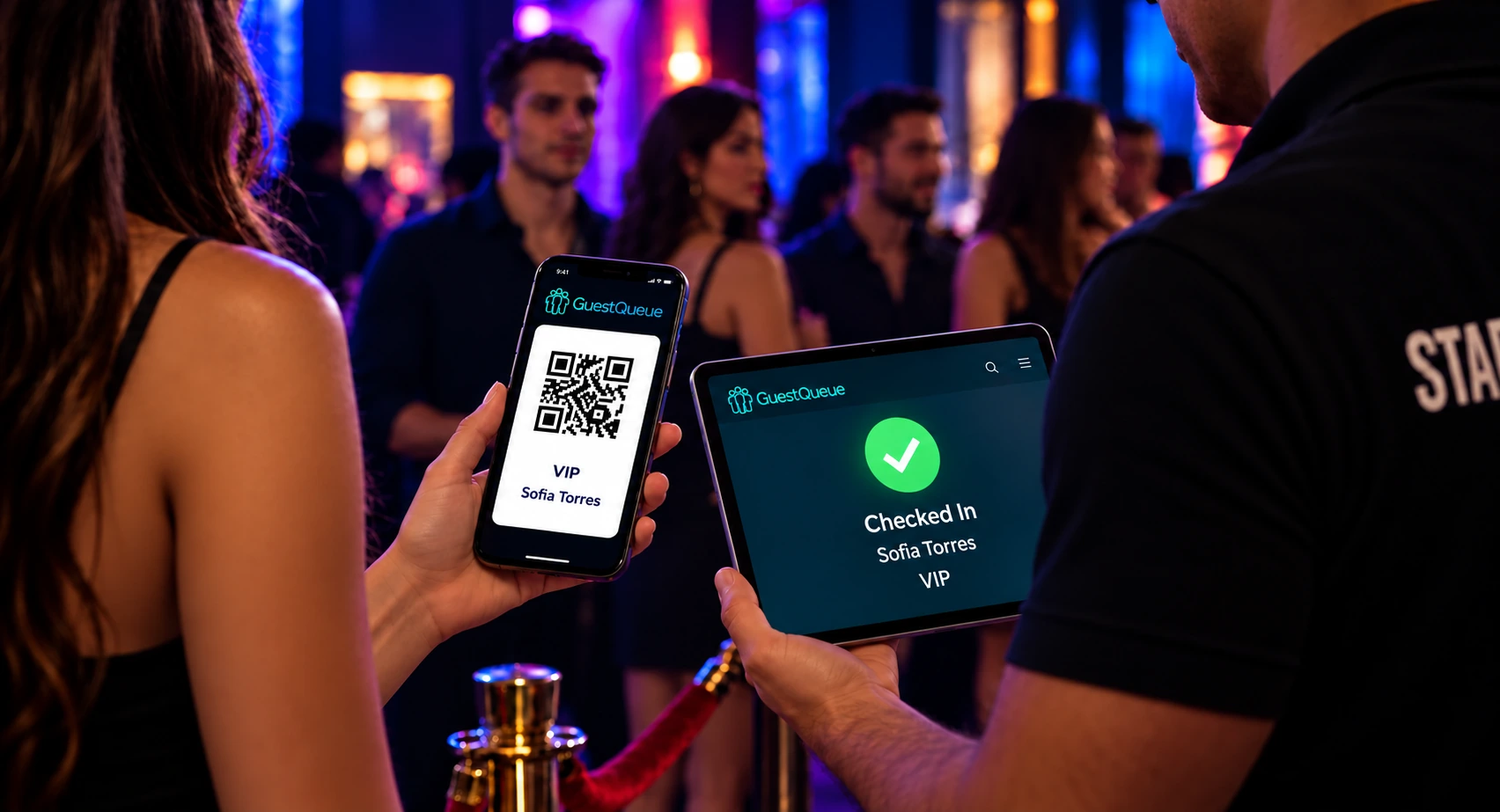
Invitations, RSVPs and Registrations. All in One Guest List.
Build your guest list the way that suits your event, then keep every guest informed right up to the day.
Invitations and RSVPs
Invite guests by email or text message and collect their RSVPs straight into your guest list. Text messages require SMS credits.
Online Registration
Share a sign-up link or embed your guest form on your website, so guests can register themselves.
Custom Guest Details
Collect what you need to know, like company, dietary needs or notes, and see it again at check-in.
Import and Integrations
Upload an existing spreadsheet, or add guests automatically from other apps through Zapier or the Guest API.
QR Code Confirmations
Every guest gets a confirmation email with their QR code, ready to add to Apple Wallet or Google Wallet.
Reminder Emails
Send guests a reminder with their QR code before the event, so fewer people forget and everyone arrives ready to scan. Included on every plan.
Your Guest List, Always Up to Date
Watch RSVPs and registrations come in live, keep numbers under control and share the work with your team.
- Guest limits and sign-up close times for each list
- Set how many plus guests each person can bring
- Email or text alerts when guests sign up
- Give team members access to only the lists they manage
- Track sign-ups and check-ins over time
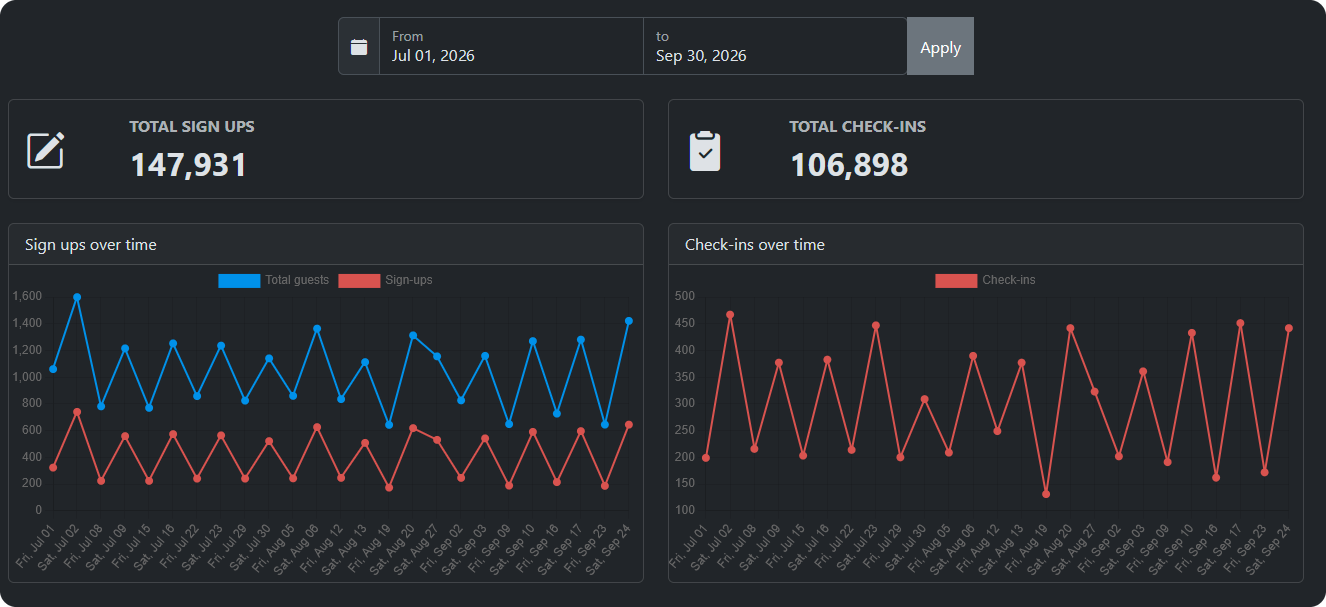
A Smooth Door and Real Attendance Numbers
When the doors open, your team checks guests in from the same list they built, on any device. Learn more about our event check-in software.
Scan or Search
Scan a guest’s QR code or type a few letters of their name to check them in within seconds.
Every Entrance, One List
Staff at every door work from the same live list, so nobody is checked in twice.
VIP Arrival Alerts
Get a text or email the moment a speaker, sponsor or VIP checks in.
Signatures and Waivers
Ask guests to sign as they check in, with or without a waiver, and keep it with their record.
Check-Out and Headcount
Check guests out as they leave and see how many remain at the event.
Attendance Reports
See who RSVPed, who registered and who actually came, then export the list for follow-ups.
Event Guest Management Questions
Manage Every Guest From Invite to Door
Set up your guest list in minutes, send your invitations and check in your first guests for free.
No credit card required